What are the Best PicsArt Alternatives for Photo Editing
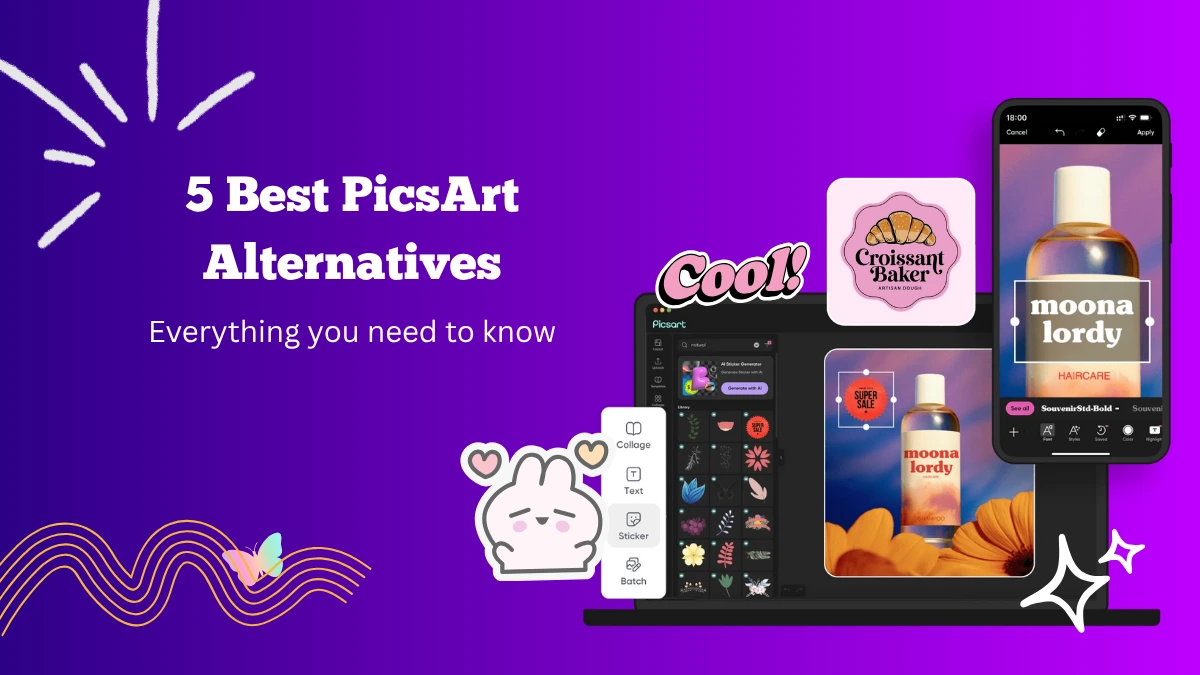
PicsArt is one of the most popular photo editing apps, known for its creative tools, filters, and AI-powered features. It allows users to transform ordinary photos into artistic masterpieces.
However, not everyone finds PicsArt suitable for their editing style or device performance. Some users prefer simpler interfaces, advanced professional tools, or lighter apps that work faster.
Luckily, several great PicsArt alternatives can deliver excellent editing results. If you are looking for alternatives to PicsArt that offer unique tools and creative freedom, here are five of the best options you can try.
5 Best Picsart Alternatives
Let’s explore some alternate apps to PicsArt:
1. Canva
Canva is one of the easiest and most versatile alternatives to PicsArt. It is a complete graphic design platform that helps users create stunning visuals for social media, marketing, or personal projects.
You can design posters, presentations, and thumbnails while also editing photos with a variety of filters and adjustments.
The app offers drag-and-drop functionality that makes photo editing simple even for beginners. Canva also has thousands of templates that can be customized using fonts, stickers, effects, and frames.
Canva also supports background removal, a feature that works flawlessly for creating profile pictures, product images, or digital art. You can adjust brightness, contrast, and saturation easily to achieve professional-looking results.
If you are into social media design, Canva provides ready-made templates optimized for Instagram, TikTok, YouTube, and Facebook. It is an excellent tool for creators, influencers, and entrepreneurs who want polished visuals without spending hours editing.
2. Snapseed
Snapseed, developed by Google, is a free and professional photo editing app designed for users who want more control over their edits. Unlike many other apps, Snapseed offers precision tools that allow you to fine-tune every detail of an image.
The app features over 25 editing tools, including brush, healing, HDR, perspective, and lens blur. Its selective adjustment tool is particularly impressive, letting you edit only certain parts of your image without affecting the rest.
Snapseed also supports RAW image editing, making it suitable for professional-level work. The app’s filters are subtle and realistic, which helps maintain the natural quality of photos.
Another benefit of Snapseed is its user-friendly interface. It keeps everything simple and organized, so you can easily switch between tools and undo edits without confusion.
3. Adobe Photoshop
Adobe Photoshop remains a top choice for professional photo editing. While PicsArt focuses more on creativity and filters, Photoshop offers advanced tools for detailed retouching, image manipulation, and compositing.
The mobile version, Photoshop Express, brings many of the desktop features to your smartphone. You can adjust exposure, crop images, add filters, and even fix imperfections using its healing tool.
Photoshop stands out for its precision. You can edit layers, apply blending modes, and make pixel-perfect changes that most other mobile apps cannot match. For digital artists and photographers, Photoshop remains an essential tool.
It also integrates seamlessly with Adobe Creative Cloud, allowing you to sync your projects across devices. This makes it ideal for professionals who want to edit on the go and continue on their desktop later.
Although it requires a bit of learning, the creative control that Photoshop provides is unmatched. It is a great Picsart alternative for users who want studio-quality results right from their phones.
Lightroom is another great photo editing app for professionals.
4. Alight Motion
While primarily known as a motion graphics and video editing app, Alight Motion also offers robust photo editing and animation tools. It’s an excellent choice for those who want to combine visuals with motion effects, filters, and text layers.
Alight Motion allows users to animate photos, add glowing effects, and apply transitions that make still images more dynamic. The app supports keyframe animation, making it possible to create professional video intros, reels, or animated posters.
You can also use blending modes, color correction, and visual effects that rival those in desktop editing software. Its precision makes it ideal for creators who enjoy experimenting with advanced visual designs.
For photo editing, Alight Motion allows users to enhance backgrounds, add lighting effects, and integrate moving text. The best part is its user-friendly interface, which lets you explore advanced editing without feeling overwhelmed.
5. CapCut
CapCut is another excellent alternative, especially for creators who work with both photos and videos. Developed by ByteDance, the company behind TikTok, CapCut has gained massive popularity for its powerful editing tools and smooth performance.
The app allows you to edit photos into short video slideshows with background music, filters, and transitions. You can also create aesthetic edits by combining effects, text, and overlays.
CapCut’s AI background remover and auto-caption features make editing faster and more efficient. The app also includes a beauty enhancer that adjusts skin tone and lighting naturally, which is great for portrait edits.
Another impressive feature is its trending effects library, where you can explore templates inspired by popular TikTok videos. It’s perfect for social media enthusiasts who want to stay updated with the latest styles.
Final Thoughts
Each of these PicsArt alternatives has its strengths, depending on your creative goals and editing style. If you love flexibility, PicsArt remains an amazing all-in-one editor. But if you want to try something new, these apps can give you a fresh editing experience.
From simple touch-ups to complex creative projects, these tools help you express your ideas beautifully and effectively.