Picsart APK vs Snapseed APK: Which One Should You Use?
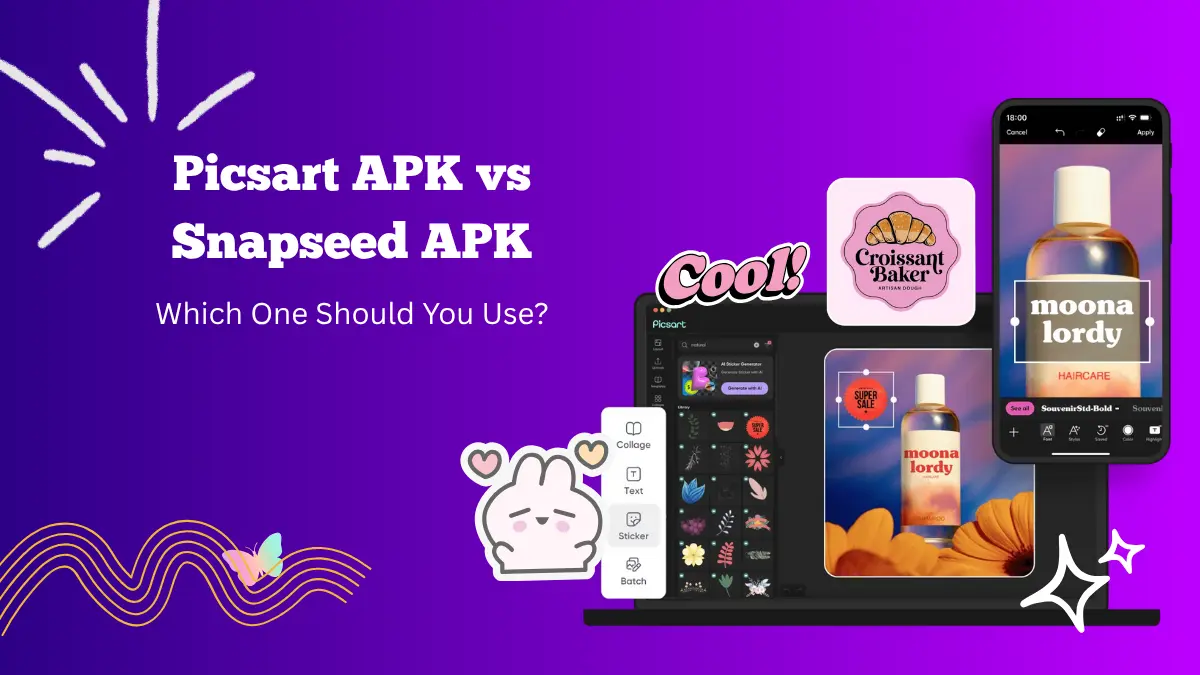
When it comes to mobile photo editing, two names always stand out — Picsart APK and Snapseed APK. Both apps have earned a loyal following among creators who want to transform their photos into something eye-catching.
Picsart MOD APK is known for its fun, creative effects and AI tools, while Snapseed APK focuses on precision and professional-style editing.
Although both apps can help you edit like a pro, they offer different experiences. Let’s compare Picsart APK and Snapseed APK in terms of tools, interface, AI support, and overall usability to see which one is right for you.
1. Overview of Picsart APK

Picsart APK is a full-featured editing app that allows you to work on both photos and videos. It includes everything from filters and effects to AI-powered tools like background removal, face swap, and object replacement. You can draw on images, create collages, design posters, or even generate AI art.
The app also has a built-in community where creators share their edits and ideas. It is ideal for users who enjoy experimenting with visuals and want an all-in-one creative platform.
Picsart MOD APK versions often unlock premium tools for free, including effects, templates, and ad-free editing, making it even more flexible for users who love advanced customization.
2. Overview of Snapseed APK

Snapseed, developed by Google, is a professional photo editing app with a clean interface and powerful features. It focuses more on detail-oriented editing rather than visual effects.
Snapseed’s precision tools such as Tune Image, Selective Adjust, and Healing give users full control over color, exposure, and structure.
Unlike Picsart, Snapseed does not rely on stickers, overlays, or templates. Instead, it provides 29 editing tools that let you fine-tune every part of your image manually.
It is preferred by photographers who want realistic and high-quality results without extra visual elements.
3. Interface and Ease of Use
The interface of the PicsArt APK is colorful and interactive. It encourages creativity by presenting a variety of tools upfront.
You can easily switch between editing, designing, or exploring community posts. However, beginners might need a little time to get used to the range of features available.
Snapseed’s interface is simpler. The tools are neatly arranged, and every adjustment is done with intuitive sliders. It focuses entirely on photo enhancement and has no distractions. If you want a clean workspace, Snapseed’s interface is easier to navigate.
In short, Picsart is more fun and feature-rich, while Snapseed is more professional and minimal.
4. Editing Tools Comparison
Picsart APK offers a wide selection of creative tools. You can remove backgrounds, retouch faces, change colors, and apply artistic filters. It also supports layers, allowing you to combine multiple images. The app includes a drawing tool and a collage maker too.
AI tools make editing even easier. For instance, the AI background remover instantly isolates subjects, and AI filters can give your photo a unique look in seconds.
Snapseed takes a more technical approach. Its tools such as Curves, White Balance, and Selective Adjust are great for photographers who want control over light and color. The Healing tool is excellent for removing unwanted objects from images.
Snapseed’s filters are subtle and realistic. They enhance photos without making them look artificial.
If you prefer creative effects, Picsart APK is better. If you value accuracy and quality, Snapseed wins.
5. AI Features
Picsart APK uses AI across multiple editing options. You can swap faces, change backgrounds, expand images, and even generate AI-based artwork. These features make editing faster and more entertaining.
Snapseed does not rely heavily on AI. It is built for manual control, giving photographers the freedom to make detailed edits.
Picsart APK AI tools appeal to casual users and social media creators, while Snapseed’s manual tools attract professional photographers.
6. Filters and Effects
Picsart APK’s filter library is massive. You can apply artistic effects, color enhancements, or cartoon-style filters. It also offers seasonal and trendy effects that you can apply instantly.
Snapseed includes high-quality filters too, but they are more balanced. Its “Looks” section offers filters that improve tones and lighting without making images look over-processed.
If you enjoy bold and creative filters, go with the Picsart MOD version. If you prefer natural results, Snapseed is the better option.
7. Export and Sharing Options
Picsart APK allows direct sharing to social media platforms like Instagram, TikTok, and Facebook. You can also save projects in high resolution. Since it is designed for both personal and social use, it integrates seamlessly with online platforms.
Snapseed allows exporting in different quality formats and includes an option to preserve editing data for future changes. However, it does not include built-in community sharing.
Picsart APK is ideal for social creators, while Snapseed suits professional editors who prefer local saving and manual sharing.
8. Pricing and Availability
Both Picsart APK and Snapseed APK are available for Android and iOS.
Picsart APK offers a free version with ads and limited features. The premium version unlocks all tools, removes ads, and provides exclusive templates.
Snapseed, on the other hand, is completely free. It has no premium plans or hidden charges, which is a big plus for users who want professional tools without paying anything.
If you are looking for advanced effects and creativity, Picsart’s MOD version is worth it. If you want a reliable free app, Snapseed is unbeatable.
9. Who Should Use Picsart APK?
- Social media content creators
- Users who enjoy artistic filters and AI effects
- People who want to combine photos, draw, or add stickers
- It is fun, modern, and ideal for anyone who wants to create eye-catching visuals quickly.
10. Who Should Use Snapseed APK?
- Photographers who want professional-grade editing
- Users who prefer manual adjustments
- People who want natural and clean-looking photos
- It provides full control over every aspect of your image without relying on fancy effects.
Conclusion
Both Picsart APK and Snapseed APK are excellent photo editing apps, but they serve different purposes. Picsart APK offers a creative playground filled with filters, effects, and AI tools. It’s best for those who want fun, dynamic edits or social media-ready content.
Snapseed, developed by Google, focuses on precision and simplicity. It is perfect for users who value control and natural editing results.
If you love experimenting and adding artistic touches, Picsart APK is the better choice. If you prefer professional editing with clean results, Snapseed APK is the one to go for.
In the end, both apps are powerful, and the best option depends on your editing style and creative goals.