PicsArt APK vs InShot APK: Which App is Better for Editing?
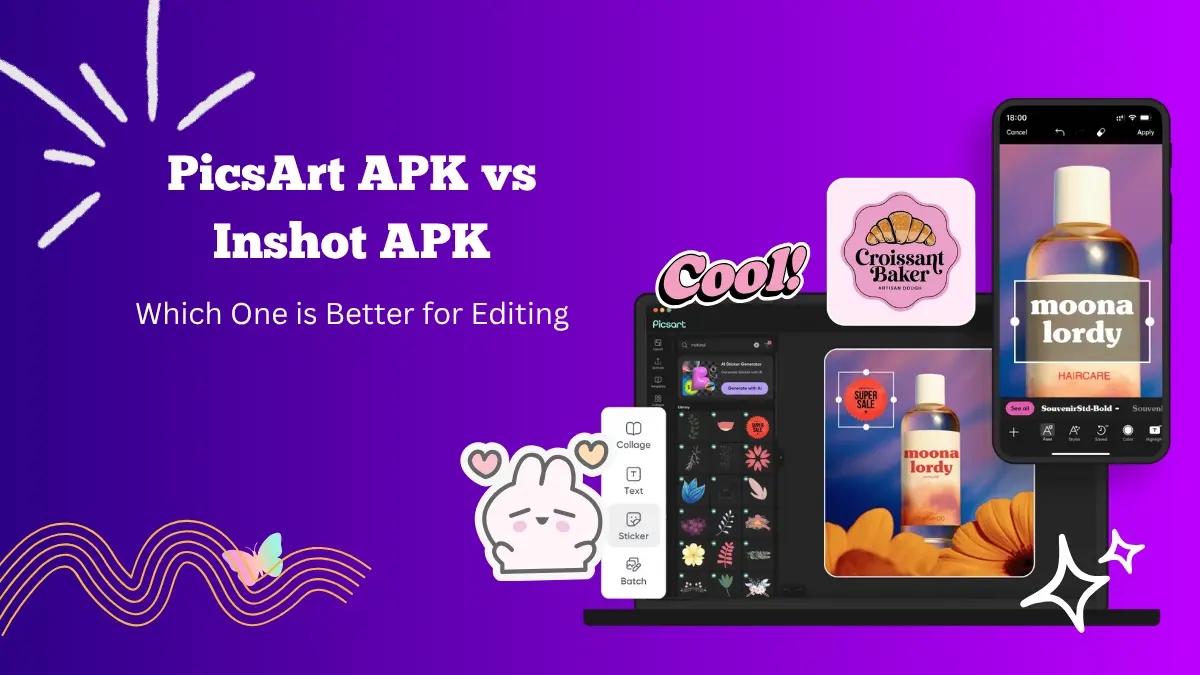
Choosing between Picsart APK and InShot can be confusing since both apps are powerful and easy to use for creative projects. Picsart APK is a photo and video editing app known for its advanced features, while InShot focuses more on video editing with smooth tools and quick results.
This guide will help you understand how both apps differ and which one works best for your editing goals.
Overview of PicsArt APK

Picsart APK is one of the most popular editing apps available for Android and iOS users. It combines both photo and video editing tools in one place.
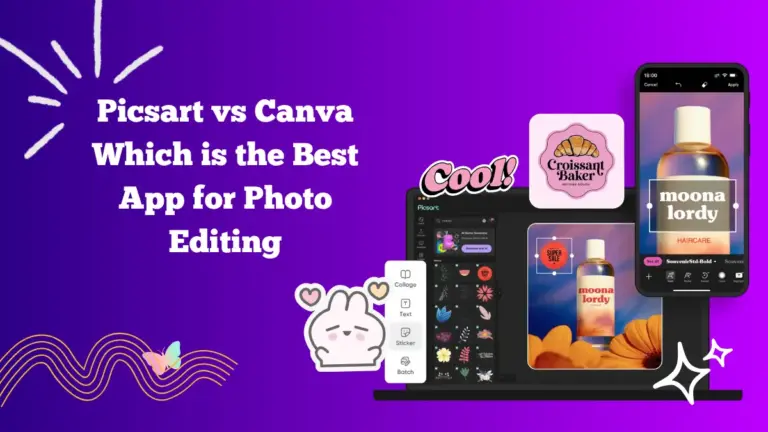
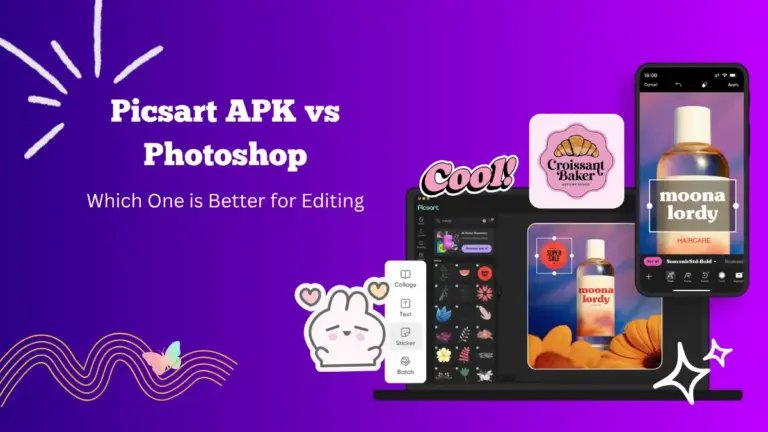
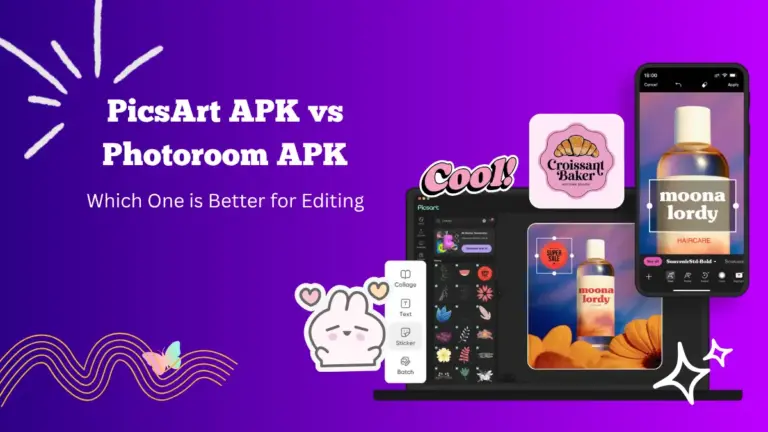
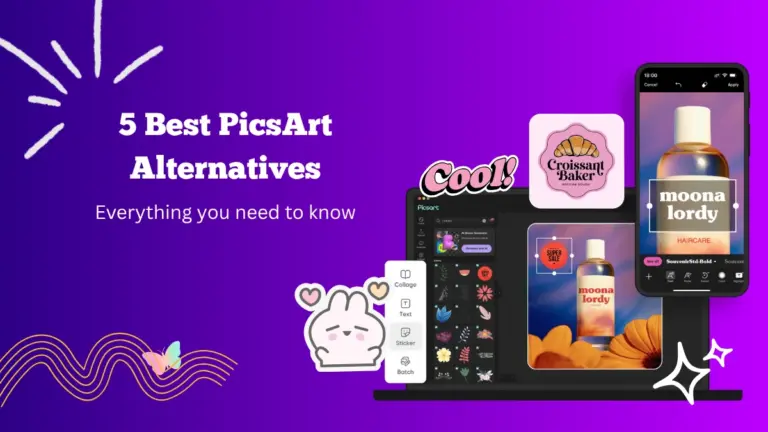
You can adjust colors, apply filters, add text, and even use AI tools for quick background removal or object replacement. It also supports drawing, collage making, and sticker creation, making it a complete editing suite for creative users.
The interface is simple and organized, which helps beginners navigate easily. Professionals also find it useful because of its detailed editing tools like curves, selective color adjustment, and blending modes.
Overview of InShot APK

InShot is a favorite app for mobile video editing, especially among social media creators. It focuses on making video editing fast and convenient without needing advanced skills.
You can trim, merge, and crop videos, adjust their speed, and add music or sound effects. It also has filters, transitions, and animated text tools to make your videos stand out.
InShot also supports photo editing, though its tools in that area are more limited compared to Picsart. However, for users who mainly want to edit videos for TikTok, YouTube, or Instagram, InShot is a simple yet effective choice.
Editing Tools Comparison
Picsart APK provides a wider range of tools for both photos and videos. It includes AI-powered background removers, color grading options, and blending effects that allow you to merge multiple photos creatively. You can also create layers, making it possible to design complex edits that look professional.
In contrast, InShot’s editing tools are centered around videos. It offers timeline-based editing where you can add clips, sound, text, and transitions. It is faster for cutting and syncing videos, but does not allow the same level of control over image editing as Picsart does.
If your goal is professional-looking photos, Picsart APK offers more flexibility. But if you mainly edit short videos for social platforms, InShot gives you smoother results.
Filters and Effects
Picsart APK has a massive library of filters and effects for both images and videos. You can apply vintage tones, neon glows, or cinematic looks with just a few taps. The AI filters can even turn your photos into digital art styles.
InShot also offers filters, but they are more focused on enhancing the mood of videos. You can adjust brightness, contrast, and saturation while using trendy video effects like glitch, VHS, or cinematic filters. However, it has fewer artistic effects compared to Picsart APK.
Text and Stickers
Picsart APK allows users to add text with custom fonts, outlines, shadows, and effects. You can also create your own stickers or use thousands of ready-made ones available in the app. This feature helps make social media posts or memes.
InShot also supports text and stickers, but its customization options are limited. You can add captions and emojis, but you cannot design custom stickers or blend text with images as smoothly as in Picsart APK.
Usability and Interface
Both apps are beginner-friendly, but their interfaces serve different purposes. Picsart APK’s layout focuses on creativity, offering multiple options for design, retouching, and effects.
It might take a little time to explore all features, but once you do, it becomes a powerful tool for advanced editing.
InShot’s interface is minimal and clean, making it ideal for users who want to edit videos quickly. The timeline system is simple to use, and all controls are easy to reach. This makes InShot perfect for mobile creators who edit on the go.
Pricing and Availability
Picsart APK offers a free version with basic features, while its Gold subscription unlocks premium filters, advanced tools, and ad-free editing.
InShot also has a free version with a watermark and ads. Its paid plan removes watermarks, unlocks filters, and offers premium transitions. Both apps are available for Android and iOS, and both require subscriptions for full access to premium tools.
Which One Should You Choose?
The answer depends on what you need most. If you are focused on creative photo editing and design work, Picsart APK is the better choice. It offers professional-grade tools that allow for artistic expression.
If your main goal is creating and editing videos for social media, InShot APK is the right app for you. It provides quick and effective video editing features that save time while maintaining quality.
Some users even use both apps together. You can edit your images in Picsart APK and then import them into InShot to create stunning videos.
Final Thoughts
Picsart APK and InShot are both excellent apps, each catering to different needs. Picsart APK stands out for detailed and creative editing, while InShot is perfect for fast video production and social media content.
If you enjoy experimenting with filters, effects, and graphic design, Picsart APK will suit you better. But if you prefer short, stylish videos that are easy to make and share, InShot APK is the smarter choice.
Both apps continue to improve with updates, so exploring them side by side might help you discover new ways to express your creativity.